
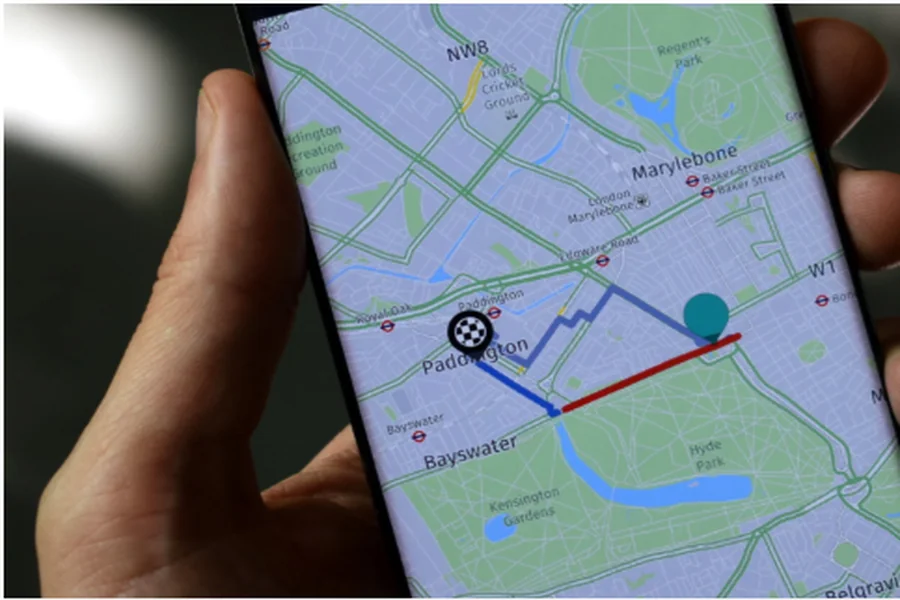
City navigation can be unpredictable, with traffic jams, road closures, public transport changes, and busy intersections shaping daily travel. For Huawei users, reliable mapping tools make all the difference in staying organized and on time. Whether you’re commuting to work, exploring new neighborhoods, or running weekend errands, having dependable navigation helps simplify urban life. Many users combine Huawei’s native tools with alternatives like Google maps to get the most accurate guidance. Understanding how these mapping solutions perform in city environments helps you get the best out of your device.
How Well Does Huawei Maps Support City Navigation?
Huawei phones offer several strong navigation options, each designed to help users move confidently through complex city environments. Below are key ways these mapping tools prove extremely helpful in daily urban use.
Fast and Accurate GPS Lock in Dense Urban Areas
Cities are filled with tall buildings, underpasses, bridges, and tunnels—all of which can disrupt GPS accuracy on weaker devices. Huawei phones, however, use multi-system positioning (GPS, BeiDou, GLONASS, and Galileo), giving them exceptional accuracy. This means your location remains stable even in crowded downtown districts. Whether you’re walking between skyscrapers or driving through multilayered highways, navigation remains smooth and responsive.
Reliable Traffic Updates and Smart Rerouting
Urban roads change rapidly, and traffic conditions shift minute by minute. Huawei’s mapping tools, including Petal Maps, provide real-time congestion data and suggest alternate routes during peak hours. This helps commuters avoid delays and stay on schedule. The system also highlights road closures, construction zones, and travel restrictions, offering updates quickly enough for users to adjust their route mid-trip. For daily city drivers, these dynamic rerouting features save both time and fuel.
Detailed Public Transport Guidance
City travel doesn’t always mean driving. Many users rely on buses, subways, trams, or a mix of different transport systems. Huawei’s mapping ecosystem offers detailed public transit information, including route options, estimated travel times, bus frequencies, and walking connections. It even displays interchange stations and last-mile directions, making it ideal for commuters and students who frequently switch between transport modes.
Accurate Walking and Cycling Directions
Walking and cycling are becoming increasingly popular in cities, especially for short trips. Huawei’s mapping tools offer reliable step-by-step walking routes and cycling-friendly paths. Maps highlight pedestrian zones, stairways, parks, bike lanes, and shortcuts that cars can’t access. These features are helpful for navigating markets, campuses, residential blocks, and city centers where vehicle access is limited. Users can also check elevation or terrain to avoid overly steep routes.
Offline Maps for Transit-Heavy City Travel
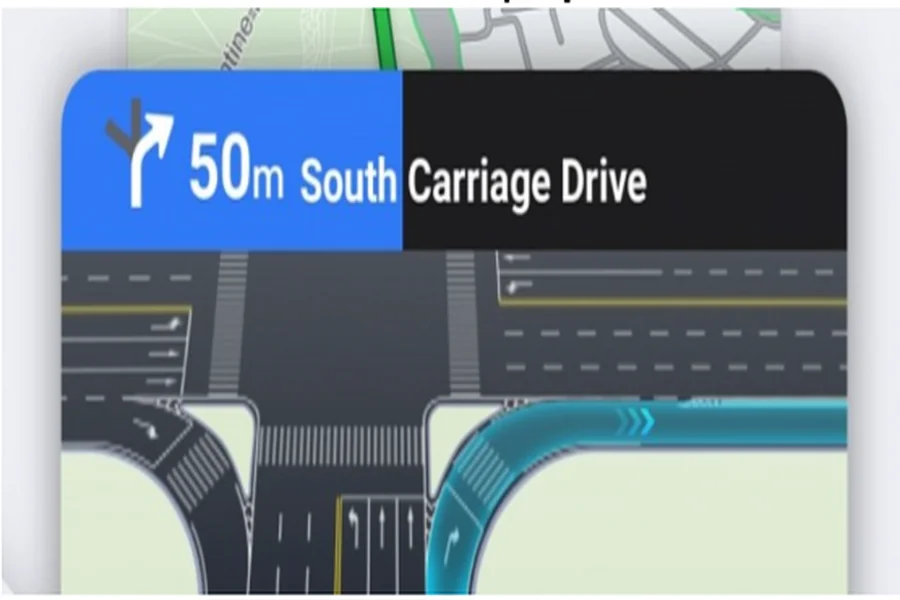
Many city travelers depend on underground metro systems where the mobile signal is weak or unavailable. Offline maps allow users to continue navigating seamlessly, even without internet access. By downloading whole districts or city zones beforehand, users can locate train exits, walk to nearby landmarks, or find the correct interchange station without reconnecting to data. This feature is especially valuable for tourists and new residents learning their way around.
Comprehensive Local Search and Recommendations
Whether you need a coffee shop, pharmacy, parking lot, or ATM, huawei maps provides rich local search results. The platform offers business listings, user reviews, photos, and operating hours, making it easy to find reliable services nearby. For errands or quick trips, the ability to search and navigate instantly is incredibly helpful. The maps also adjust recommendations based on the time of day—for example, showing breakfast spots in the morning or nightlife venues in the evening.
Smooth Integration With Huawei’s Ecosystem
Navigation becomes easier with Huawei’s system-wide integrations. You can launch directions through Celia voice commands, receive travel reminders through Huawei Assistant, or view traffic cards on the lock screen. These small conveniences add up to a smoother city navigation experience, allowing users to check routes quickly without opening multiple apps.
Conclusion
Huawei’s mapping experience is highly effective for daily city navigation thanks to accurate GPS performance, real-time updates, detailed public transport data, and helpful offline features. Whether walking, driving, or using metro systems, Huawei users can depend on these tools to move confidently through busy streets and changing traffic conditions. Combined with smart ecosystem integrations and reliable search capabilities, Huawei maps makes city travel faster, more convenient, and far less stressful.

