
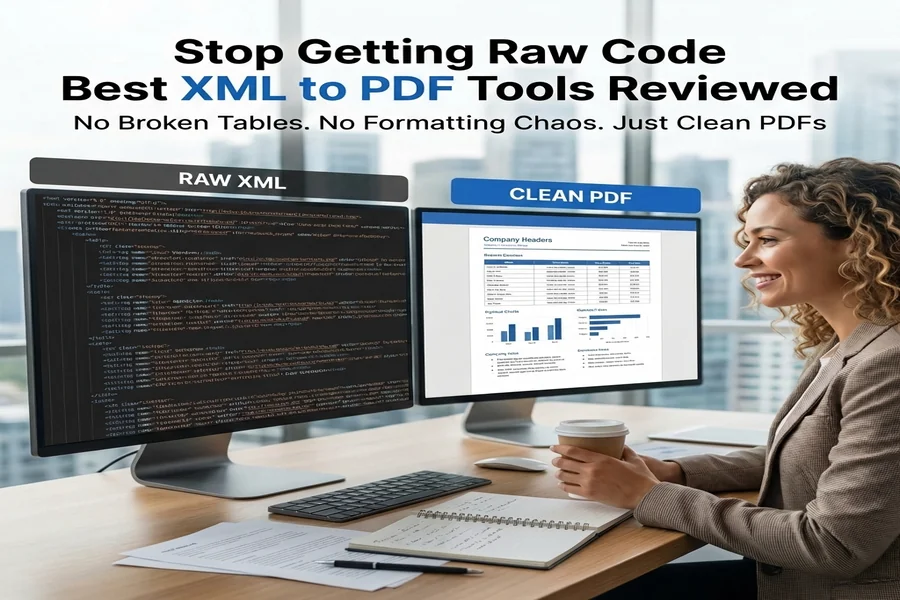
Let’s face it: XML files abound, but they’re not exactly very human-friendly.
In today’s world of digital workflow, XML is widely employed in billing information, system exports, reports, and feeds, as well as in document structuring. Computers are crazy about XML, and it has won hearts because it is clean, logical, and easily processes. Humans, however, can’t be crazy about it. Because when an XML file is opened, it only shows code.
That’s where the battle begins.
Sooner or later, someone on the team asks, can you convert this XML file to PDF?
Yet this simple demand all too often escalates into a struggle to locate a conversion device that won’t strip the formatting, mangle the structure & spew raw code into the PDF.
We’ve been there, as the saying goes.
Rather than guessing, we chose to test several popular tools for converting XML to PDF to see how they work in the real world.
How We Tested These XML to PDF Tools
To keep things fair, we used the same XML files across all tools.
Test Files Used
- Real business-style XML files
- Included tables, headers, nested records, and text segments
- File sizes ranged from 2MB to 5MB
- Typical use cases: billing data, system reports, exports
What We Evaluated
- Conversion accuracy
- Layout and structure preservation
- Readability of the final PDF
- Conversion speed
- Ease of use
- Pricing transparency and free-version limits
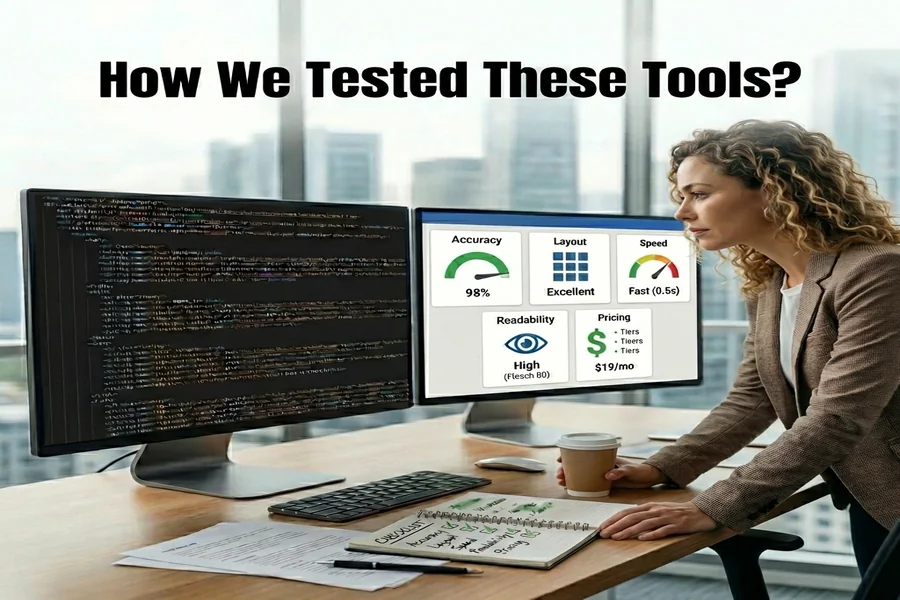
Every tool went through the same process, multiple times, so results weren’t based on a single lucky conversion.
Let’s Read Tool-by-Tool Experience: What It Was Like to Actually Use Them
- iLovePDF2.com
iLovePDF2 immediately stood out for one reason – it’s easy. No installs, no setup, no confusing options. We uploaded our XML files directly in the browser and got readable PDFs in seconds.
For standard XML files, the results were clean and readable. Tables were understandable, text was organized, and the PDFs were share-ready. That said, for very complex XML structures with advanced styling needs, some manual refinement might still be required.
Still, for everyday business XML files, the experience felt smooth and stress-free. Also, the part part is, i Love PDF 2 is 100% free.
Quick verdict:
Perfect if you want speed, simplicity & reliable XML to PDF conversion without technical hurdles.
- Adobe Acrobat Online
Adobe Acrobat Online is clearly playing in a different ballpark. The printing quality was excellent, having clean formatting, strong layout capabilities, and very professional-looking documents.
Although, it involved more steps than other tools on this list, and the interface requires knowledge of document workflow. It’s great but not something you would want to just casually click on to complete a quick conversion.
Pricing structures and usage restrictions are also to be considered, particularly in non-commercial usage.
Quick verdict:
Best for business use or professionals where the accuracy of format matters more than ease of use or speed.
- PDF24 Tools
PDF24 surprised us in a good way. It’s completely free and converts XML to PDF without much drama. Upload, convert, download – simple.
For basic XML files, it works well. But when we pushed more complex layouts, we noticed some limitations in styling and structure preservation. Still, considering it costs nothing, it does a solid job for routine tasks.
Quick verdict:
A good free option for simple XML to PDF needs without expecting advanced formatting.
- Zamzar
Zamzar is clearly designed as a general-purpose xml to pdf converter online and XML to PDF is just one of many things it supports. The process was fast and required minimal interaction.
That said, the free version struggles with larger or more complex XML files. It’s fine for occasional use, but not something we’d rely on for regular business workflows.
Quick verdict:
Good if you already use Zamzar and occasionally need XML-to-PDF conversion.
- Online2PDF
Online2PDF offers more customization options than most free tools, which we appreciated. You can tweak output settings, but the interface feels more functional than modern.
Performance was solid for regular XML files, though large files and batch conversions are limited in the free version.
Brief judgment:
Best for users who want some control over output without paying for premium software.
Quick Take – Which Tool is Best For
- Easiest to use: ILovePDF2
- Best formatting accuracy: Adobe Acrobat Online
- Best free option: ILovePDF2 and PDF24
- Most versatile file types: Zamzar
- Most customization (free): Online2PDF
Beginners will naturally gravitate toward simpler tools, while advanced users may prefer deeper control – even if it adds complexity.
Typical Challenges in Converting XML Files to PDF
When testing, we realized that users do not struggle with conversion, but they struggle with unexpected results.
These are some of the most common problems we encountered (and those readers will encounter):
- Raw XML code dumped into PDF instead of readable content
- Broken tables with rows and columns misaligned
- Lack of headers or labels in billing XML files
- Large PDF files that are difficult to share
- Additional steps required just for getting a valid output
That is precisely the reason it is not effective to have a casual any converter will do policy when it comes to XML files. XML files are different from JPG and DOC files, where all you require is the file type.
Free vs Paid XML to PDF Converters: What Really Matters
Based on our experience, we know the difference is not in the cost; the difference is in the
- Free tools such as iLovePDF2 and PDF24 handle between 80-90% of the work that needs to be
- Paid software is justifiable only when control over document format is critical to a mission
- Generic converters are okay sometimes but not under pressure
If it is keeping you within structure and isn’t trying to limit you aggressively – or if it is keeping you within structure and isn’t trying to limit you aggressively – that is already
Do You Require Sophisticated Formatting for XML to PDF Conversion Tools?
Here’s an honest question to ask when deciding between tools:
Is there any need for pixel-perfect formatting?
- The PDF has to be legible
- Tables must be easy to understand
- Table of Contents
- Data has to be shareable
- The file must be transmitted rapidly
There’s more.
Advanced formatting options, such as those found in Adobe Acrobat, can be very valuable but only if.
- You’re dealing with regulatory documents
- You require stringent adherence
PDFs are a component of an archival system over a long period of time
Everyone else is best served by simplicity.
Bottom Line: Which XML to PDF Tool to Choose?
In our experiments, XML-to-PDF conversion can be painless, provided that the right tool for the job is being utilized.
- Fast, easy, free, and browser-based, iLovePDF2 is your best bet for a good experience.
- If your company demands strict formatting requirements, including standardization and documentation, then Adobe Acrobat Online is still the best option.
- For people who are looking for free options, PDF24 and Zamzar work quite well.
In practical applications, speed and usability usually rank higher in value than optimization. And for the vast majority of common .xml files, iLovePDF2 provides precisely what users need without turning a simple task into a technical project or asking for money.

