
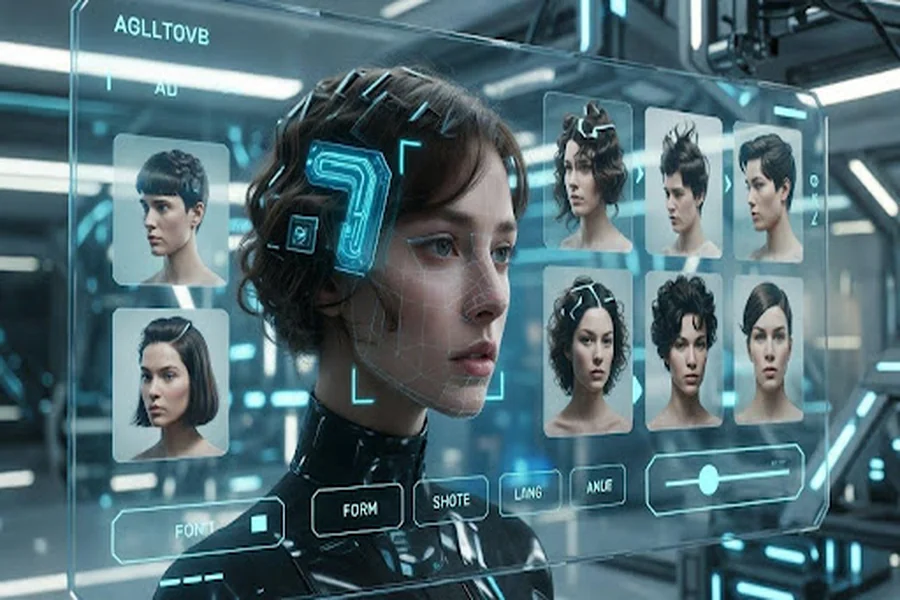
Choosing a new hairstyle often sounds easier than it really is. A cut may look great in a reference photo but feel completely different once it is adapted to a real face shape, hairline, density, or texture. That gap between inspiration and reality is one reason digital beauty tools have become more relevant in recent years.
Among them, AI hairstyle try-on tools have attracted growing attention because they give users a more visual way to compare options before making a change. Instead of relying only on imagination, users can upload a photo and preview different lengths, shapes, and parting styles on their own face.
These tools are not a replacement for professional judgment, and they should not be treated as exact predictions. Still, they can make the decision process more practical by helping users narrow options, prepare references, and communicate more clearly during consultations.
Why Haircut Decisions Often Feel Uncertain
Hair decisions are unusually personal. Unlike clothing or accessories, a haircut changes how the face is framed every day, often for weeks or months. That is why even smaller changes, such as adding a fringe, shortening the perimeter, or changing the part, can feel high-stakes.
Part of the difficulty is that hairstyle choices usually happen in a fragmented way. Users scroll through social media, save screenshots, compare celebrity looks, and try to imagine how those styles might translate to their own features. But face shape, forehead height, jawline structure, hair thickness, and maintenance habits all affect whether a style feels balanced in real life.
This is where AI hairstyle try-on becomes useful. It does not remove uncertainty completely, but it reduces guesswork by turning an abstract idea into a visible comparison.
What These Tools Actually Help Users See
At a basic level, hairstyle preview tools use computer vision to detect facial landmarks such as the jawline, cheekbones, forehead area, and hairline. The system then places digital hairstyle overlays onto the uploaded image and adjusts them according to visible proportions, head angle, and photo alignment.
The better platforms do more than paste hair onto a selfie. They help users compare style categories in a more structured way. A user might test several bob variations, compare fringe options, or evaluate whether a side part feels softer than a middle part on their own features.
Some also provide a guide to virtual hairstyle previews, helping users understand what they are seeing instead of treating every result as a random filter. That difference matters because the most useful tools are not just visual effects. They support better decisions.
Where Virtual Previews Are Most Helpful
Virtual previews are most useful when a user is deciding between a few related options rather than jumping across every hairstyle category at once.
For example, someone considering a shorter cut may want to compare a blunt bob, a layered bob, and a softer shoulder-length version. Another user may care less about length and more about whether a center part, side part, or fringe changes the balance of the face. In both cases, the goal is not to find a perfect digital answer. The goal is to narrow the field.
These tools can be especially helpful for:
- people considering a noticeable change for the first time
- users overwhelmed by too many hairstyle references online
- salon clients who want clearer visual examples before an appointment
- busy users looking for a faster way to shortlist styles
This is one reason AI hairstyle try-on has become more relevant in everyday beauty exploration. It helps users move from vague inspiration to a smaller, more realistic set of options.
Why Face Shape Analysis Improves Comparisons
One limitation of ordinary hairstyle inspiration is that it often ignores proportion. A style that looks balanced on one person may look heavier, sharper, shorter, or flatter on someone else because the facial structure underneath it is different.
That is why many users benefit from pairing digital previews with face shape analysis for choosing haircuts. Tools like this do not make the final decision, but they can give users a more organized starting point by highlighting broad patterns such as face length, jawline definition, cheek width, or forehead proportion.
These categories are simplified and should not be treated as strict rules. Real faces rarely fit neatly into one label. Even so, they can still help users compare hairstyles more intelligently.
For example:
- softer layers may reduce visual heaviness around angular features
- side parts can create useful imbalance when a face feels too uniform
- structured cuts may frame fuller or rounder contours more clearly
- lighter front pieces may soften stronger forehead-to-jaw transitions
Used this way, analysis tools work best as filters, not verdicts. They help users ask better questions before committing to a cut.
Where AI Hairstyle Try-On Adds the Most Value
The value of AI hairstyle try-on is often less about prediction and more about clarity. Users usually get the most benefit when they use these tools for comparison rather than confirmation.
Reducing decision anxiety
A visible preview can make a hairstyle feel less intimidating. Even when the result is approximate, it helps users move from “I have no idea” to “I prefer this general direction.”
Improving consultation quality
Stylists work better with concrete references than with vague descriptions. When a client brings screenshots based on their own photo, the conversation becomes more specific. A stylist can then explain what is realistic based on density, texture, face shape, and styling habits.
Saving time during exploration
Instead of opening dozens of unrelated haircut photos, users can focus on the style families that actually feel relevant. This makes the process more efficient and less chaotic.
Encouraging low-risk experimentation
Some users want to test a fringe, shorter length, stronger layering, or a more dramatic shape without acting immediately. Digital previews make that kind of exploration easier.
What These Tools Still Cannot Predict Well
Despite their strengths, virtual hairstyle tools still have clear limits. Lighting, photo angle, facial expression, current hair coverage, and image quality all affect how accurate a preview looks. Some styles also render better than others.
Very curly, highly textured, or high-volume hair may not always translate well in a flat overlay. And digital previews cannot fully simulate how real hair behaves in motion, how it reacts to humidity, or how much daily styling effort a cut may require.
A preview may suggest that a shape looks flattering, while the real result still depends heavily on blow-drying habits, product use, growth direction, and natural hair density. That is why users should treat these tools as planning aids, not promises.
The most realistic expectation is not, “This is exactly how I will look.” It is, “This helps me understand which direction is worth discussing.”
How to Get More Useful Results from a Virtual Preview
The quality of the preview depends heavily on the quality of the input and the way the results are compared. A few simple habits make a big difference.
Use a clean front-facing photo
Choose neutral lighting, a straight head position, and minimal shadow. Avoid strong filters, blur, side angles, or exaggerated expressions. The goal is not to look glamorous in the input image. The goal is to make facial alignment clearer.
Keep the face outline visible
If the forehead, temples, or jawline are hidden, the tool has less useful information to work with. Pulling existing hair back slightly can improve facial landmark detection.
Compare similar styles in small groups
It is better to compare three to five related hairstyles than to jump randomly from pixies to long layers to blunt bobs in one session. Narrowing by category makes the differences easier to evaluate.
Focus on silhouette first
Users often get distracted by details, but the most useful signals are usually broad ones: overall length, facial framing, visible width, and parting direction. These factors are often more informative than whether every strand looks realistic.
Bring the shortlist to a stylist
The best use of these tools is practical rather than final. Saving two or three screenshots can improve salon communication and help a stylist explain what adjustments would be needed in real life.
Common Mistakes That Make Results Less Helpful
Virtual hairstyle previews become less useful when users expect them to function like exact digital mirrors. One common mistake is using filtered or low-quality photos, which distorts face shape and reduces overlay accuracy.
Another mistake is comparing too many unrelated hairstyles too quickly. That often creates more confusion instead of narrowing the decision. Some users also ignore natural hair texture and density, even though both strongly shape the real-world result.
The biggest mistake, however, is assuming that a flattering preview automatically means a haircut will be easy to maintain or ideal in daily life. A style may look balanced in a static image but still demand more styling time, product, or upkeep than the user actually wants.
Conclusion
Hair decisions rarely feel simple because they involve identity, proportion, upkeep, and confidence at the same time. That is why visualization tools have become increasingly relevant. AI hairstyle try-on helps users compare options more clearly, reduce uncertainty, and prepare for better conversations with stylists.
Its value is real, but so are its limits. The best results come when users treat virtual previews as a way to shortlist possibilities rather than predict every detail. Used that way, digital hairstyle tools can make the path from inspiration to decision much more practical.

